
Hands stay on the paddle
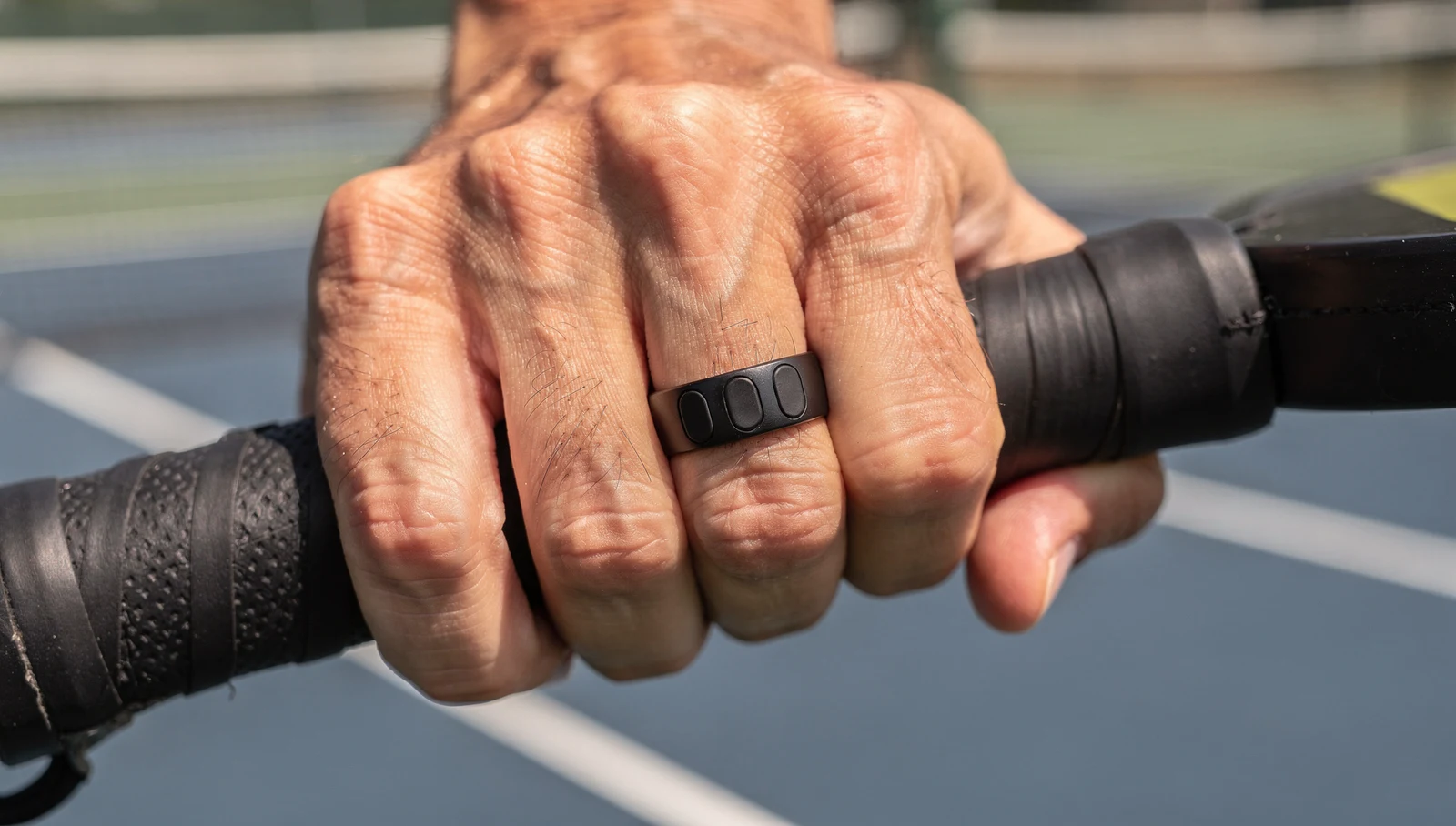
A pocket remote gets left in a bag. The ring stays on your finger all match, ready the moment a rally ends.
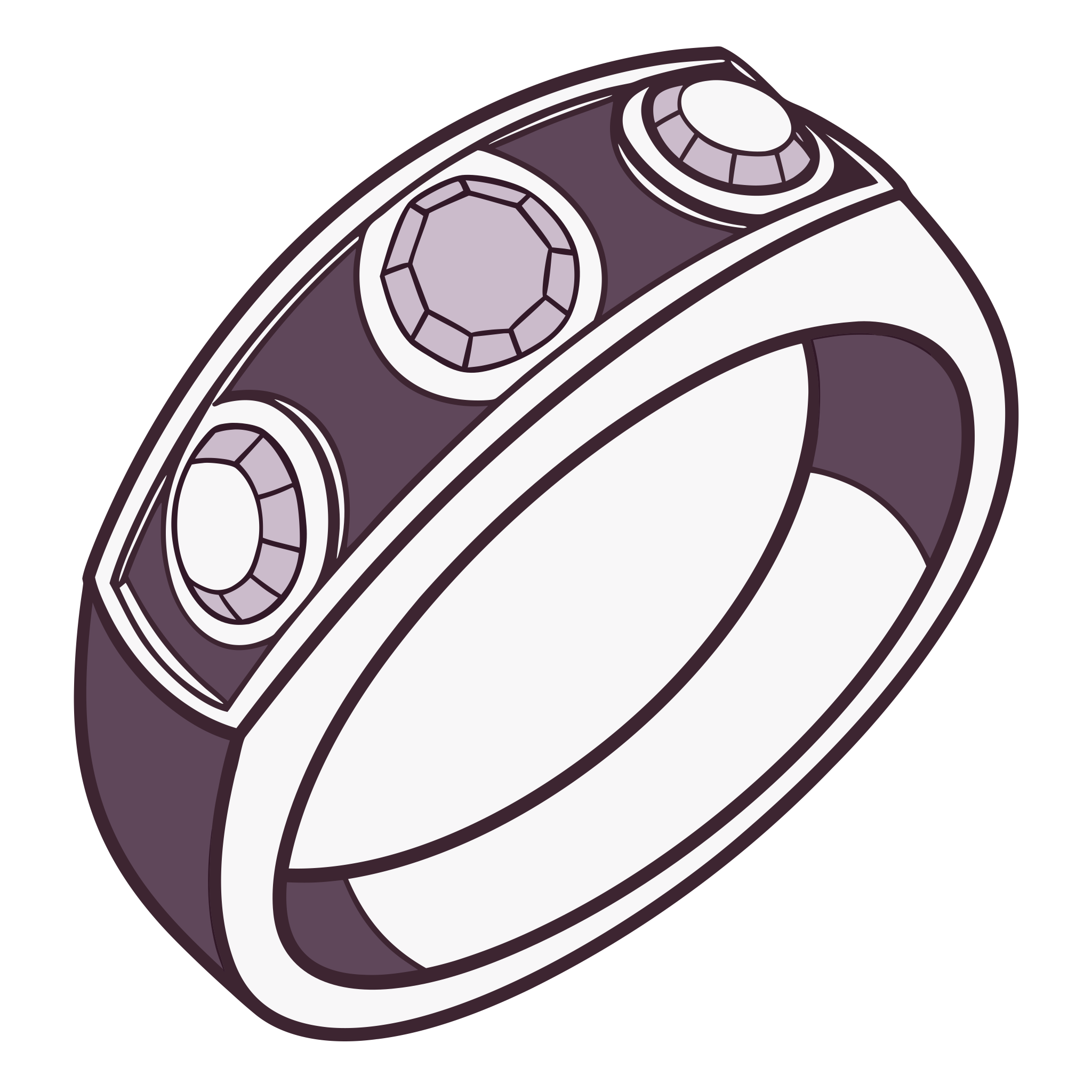
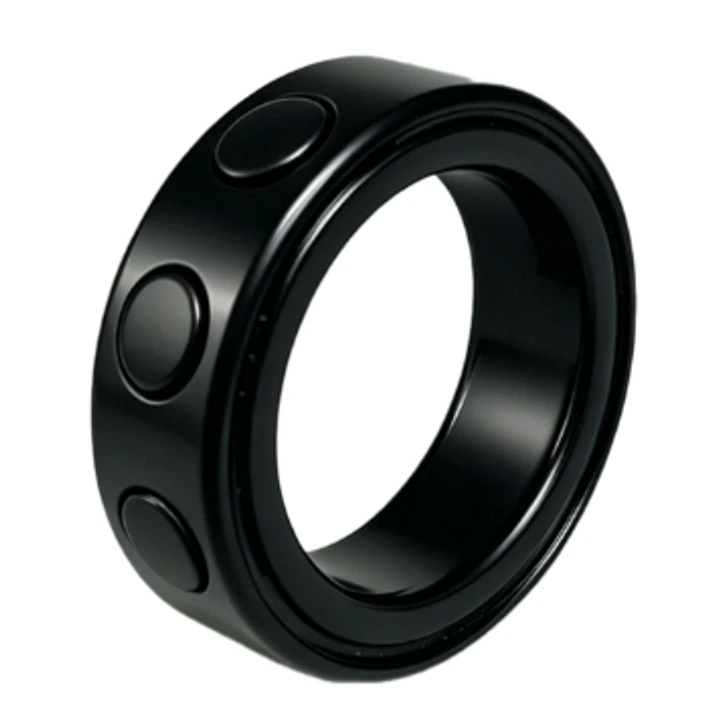
A Bluetooth ring you wear on your finger. Tap it when a rally ends and ScoreTap updates the score and calls it out, while your phone stays on its stand.
Pre-order closes October 18, 2026
₱900 pre-order price
Regular price ₱1,900. Pre-order now to lock in ₱900.
Reserve with your name, email and mobile number. We'll contact you when the ring is available to confirm your order.
A pocket remote gets left in a bag. The ring stays on your finger all match, ready the moment a rally ends.
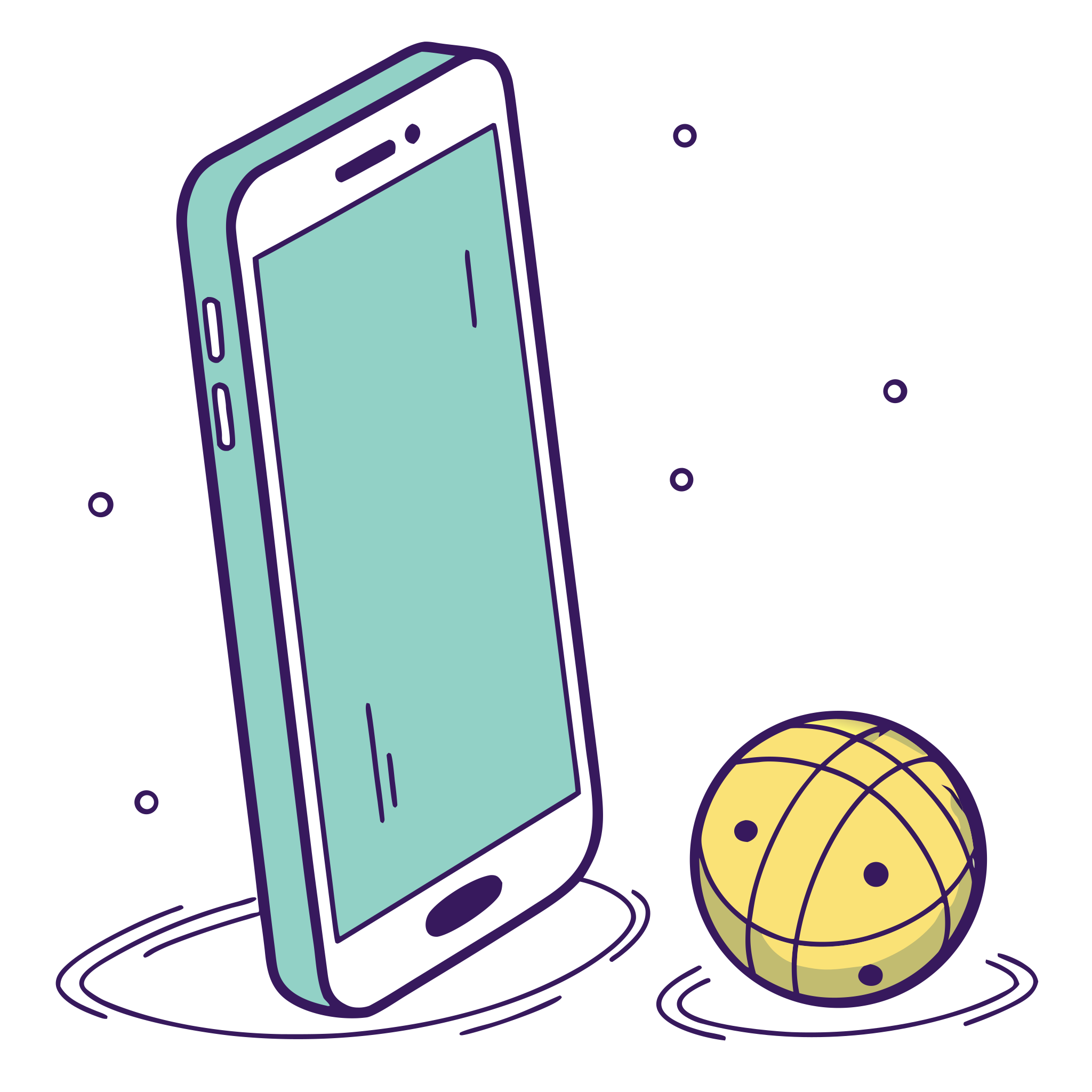
Pair it like a headset, then teach ScoreTap its button once in Settings. No extra app to install.

Bind the button to a team's point or to Undo, and keep both eyes on the court.
Takes a minute. We only use your details to contact you about this pre-order.
Nothing to pay yet. We'll contact you by email or phone when the ScoreTap Ring is available.
In short: the ScoreTap Ring is a ₱1,900 Bluetooth ring you wear on your finger. It pairs like any Bluetooth remote and is bound to Point Blue, Point Green or Undo in Settings → Bluetooth remote buttons → Learn. You never have to look at or touch your phone mid-rally.
Most players bind the ring's single button to Undo or the score of the team they are watching, and keep a second, cheap Bluetooth remote (or the on-screen tap) for the other side. Any combination works: the binding is yours to choose in Learn mode.
The ring's press arrives while the app is in the foreground. If a music app grabs it first, pause that app.
iOS only forwards remote presses to a page with an active media session. ScoreTap therefore loops a near-silent, generated audio clip while a match runs. It is not audible, it is not a recording, and it stops when the match ends. Keep the app in the foreground.
The ring is optional. ScoreTap also works with any Bluetooth remote that sends media or keyboard keys, the cheap "bike handlebar" music controls, presenter clickers, camera shutters and Bluetooth keyboards. Volume buttons cannot be read by any app on any phone, so bind play, next or previous instead. Swipe gestures and on-screen taps always work too.
Reserve with your name, email and Philippine mobile number before October 18, 2026. Nothing is charged. When the ScoreTap Ring is available we contact you, and you pay ₱900 to confirm your order, the full pre-order price, with nothing more to pay later.
No. Reserving is free. You only pay ₱900 when we contact you to confirm your order, and that's the full price, nothing more later.
To addresses in the Philippines only, for now. Returns are accepted within 30 days.
₱900, the full price, if you pre-order now. The regular price is ₱1,900. The ScoreTap app itself is free with or without the ring.
Like any Bluetooth accessory: pair it once in your phone's Bluetooth settings, then bind its button to Point Blue, Point Green or Undo in ScoreTap's Settings using Learn mode.
The ring is the recommended way to score hands-free, but it is optional: any Bluetooth remote that sends media or keyboard keys works too, including cheap "bike handlebar" music remotes and presenter clickers.
Yes. iOS only delivers remote presses to a page with an active media session, so ScoreTap plays a silent, generated audio clip while a match is running. Keep the app in the foreground and do not mute Safari's tab.
Yes. Swipes on each court side score a point, and any keyboard key can be taught in the same Learn screen, which makes wireless keyboards and clickers work on laptops and TVs.
₱900 total, regular price ₱1,900. No payment today, we'll contact you when the ring is available.